


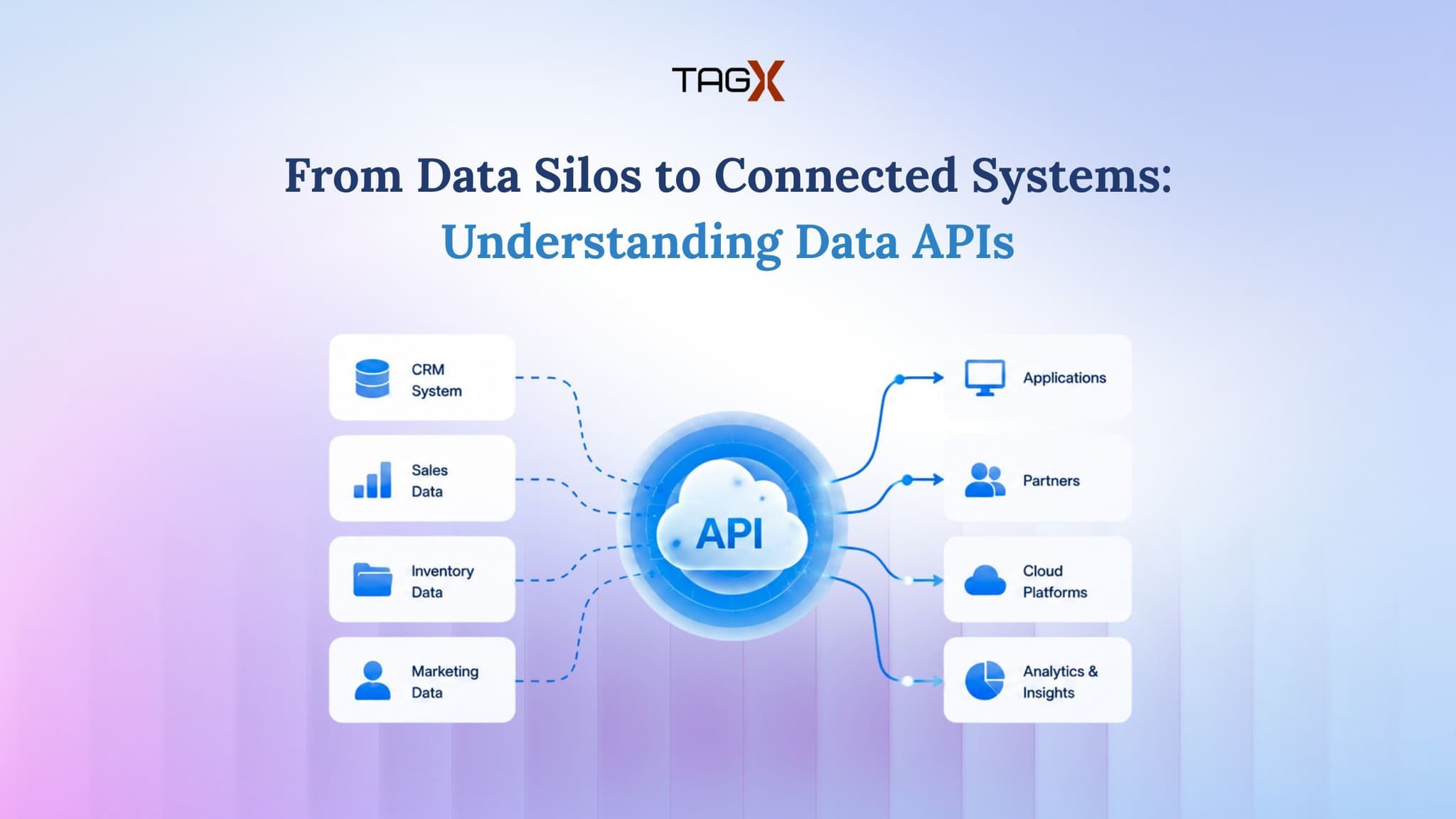
Data drives modern business decisions. Whether you're tracking market trends, building applications, automating workflows, or generating insights, success depends on reliable, well-structured information. The challenge is not just collecting data, but moving it efficiently across the systems your business uses.
This is exactly where a Data API proves invaluable.
A Data API helps businesses access and integrate structured data through a standardised interface, reducing the need for manual processes, spreadsheets, and custom integrations. This makes data easier to retrieve, manage, and use across applications.
If you're exploring data integration solutions, this guide explains how Data APIs work.
Getting started with Data API
A Data API (Application Programming Interface) is a structured way for software systems to request and exchange data. It acts as a communication layer between applications and data sources, allowing information to be retrieved in formats that machines can easily read, such as JSON or XML.
You can think of it as a controlled pathway between your application and the data you want to use. Your system sends a request, the API processes that request, and the response comes back in a format your software can work with immediately.
This removes the need for repetitive manual handling and makes data integration faster, cleaner, and easier to maintain.
How Does a Data API Work?
Although different APIs have unique capabilities, most follow a similar workflow:
- Request: The application sends a request to the API for specific data.
- Authentication: The API verifies the application's identity using credentials such as an API key or access token.
- Data Processing: The API retrieves, filters, and prepares the requested data.
- Response: The processed data is returned in a structured format, typically JSON or XML.
- Integration: The application uses the returned data to power dashboards, workflows, reports, or other business processes.
In short, a Data API makes it easier for applications to access reliable data quickly, securely, and in a format that is ready to use.
Key Features to Look for in a Data API
Not all Data APIs are the same. Choose one that fits your business needs and future growth.
When evaluating a Data API, look for these key features:
- Structured Data Output: Provides data in formats like JSON or XML.
- Reliable Performance: Offers stable availability and fast response times.
- Clear Documentation: Includes examples and setup guidance.
- Advanced Filtering: Lets you request only the data you need.
- Strong Security: Protects data with secure authentication and transmission.
- Scalability: Handles growing data and usage demands.
Avoid choosing based on cost alone. Focus on reliability, security, documentation, and data quality for better long-term value.
Benefits of Using Data APIs in Business
Businesses rely on data from multiple sources to power applications, analytics, and decision-making. A Data API simplifies this process by providing a consistent and efficient way to access and integrate structured data.
Some of the key benefits include:
- Faster Integration: Connect systems quickly without building custom integrations from scratch.
- Reduced Manual Work: Eliminate repetitive tasks like exporting files or copying data between platforms.
- Scalability: Handle growing volumes of data efficiently as business needs evolve.
- Improved Data Accuracy: Structured responses help reduce errors and maintain consistency.
- Developer-Friendly Implementation: Clear documentation and standardized endpoints simplify integration.
- Greater Flexibility: Retrieve only the data your applications need, improving performance and efficiency.
By automating data access, businesses can spend less time managing data workflows and more time focusing on innovation, analytics, and strategic growth.
Common Use Cases of Data APIs
Data APIs help businesses access data, automate tasks, and make better decisions. Common uses include:
Market Intelligence: Monitor pricing, availability, and trends.
Business Analytics: Feed dashboards and reports with real-time data.
Application Development: Add external data to web and mobile apps.
Research and Reporting: Collect data faster and reduce manual work.
Workflow Automation: Move data between systems automatically.
Best Practices for Implementing a Data API
A successful integration is not just about connecting two systems. It also requires planning, monitoring, and good maintenance habits.
A few best practices include:
- Define exactly which data fields your application needs.
- Keep API credentials secure and update them when necessary.
- Build error handling and retry logic into your integration.
- Monitor usage, latency, and response quality over time.
- Cache frequently used data when it makes sense.
- Review documentation regularly so your integration stays current.
Following these habits helps create a more dependable and easier-to-manage data setup.
Simplify Data Integration with TagX
As businesses continue to rely on data for analytics, automation, and digital innovation, having access to reliable and structured information is more important than ever. A well-designed Data API helps eliminate manual data collection, streamlines integration, and enables teams to build data-driven applications with confidence.
At TagX, we provide scalable Data APIs and data solutions that make it easier for businesses to access high-quality datasets across multiple industries. Whether you're powering business intelligence, market research, application development, or workflow automation, our solutions are designed to deliver structured, integration-ready data that fits seamlessly into your existing systems.