

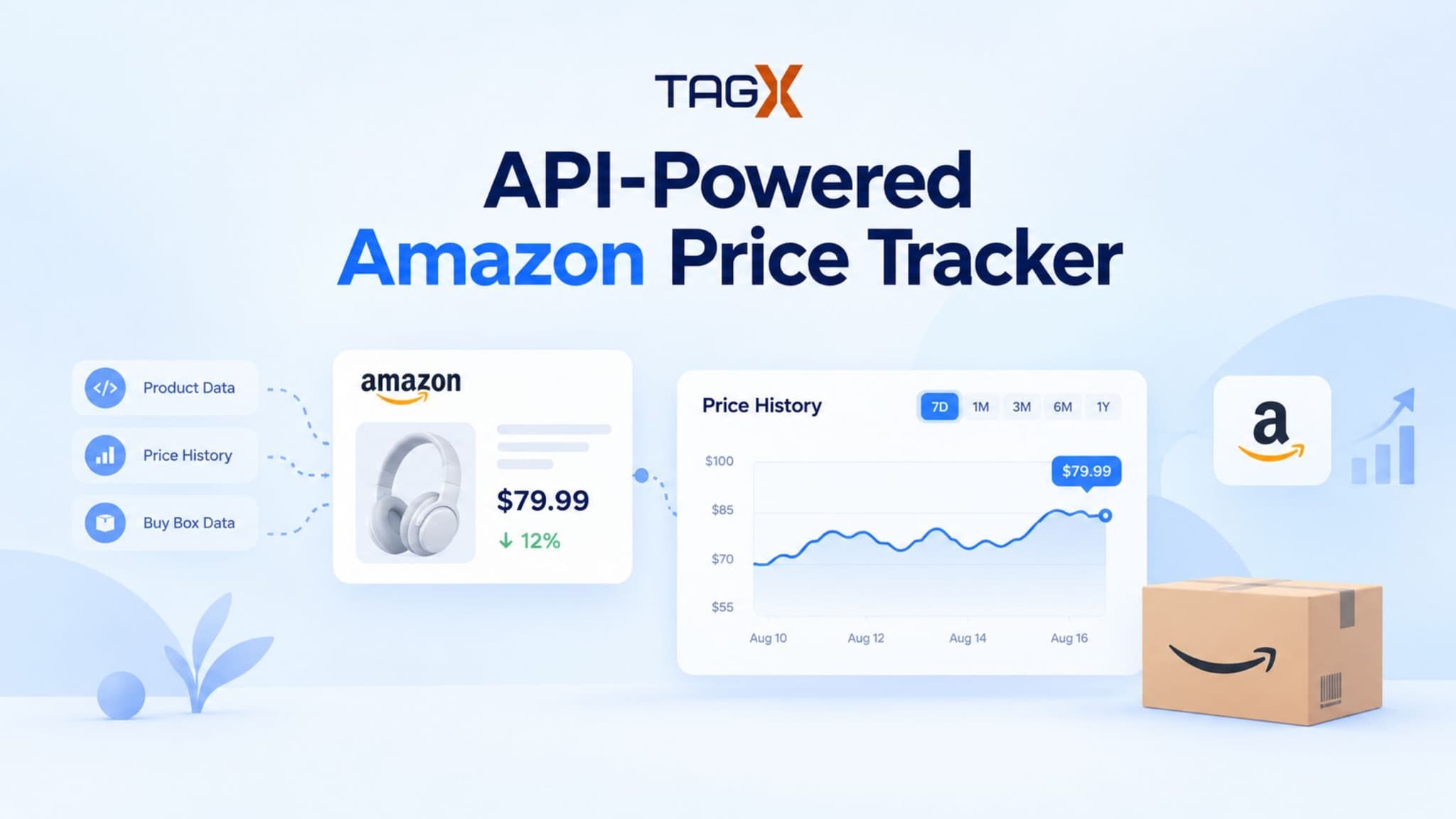
Amazon prices move constantly.
Competitors reprice by the hour. Buy Box ownership shifts overnight. A single unnoticed price drop can quietly eat into your margins — or lose you a sale you didn't even know was at risk.
For e-commerce businesses selling on or competing with Amazon, tracking prices, sellers, and reviews in near real time isn't a nice-to-have anymore. It's table stakes for staying competitive.
Here's the good part: you don't need a team of data engineers to build this.
With a purpose-built data API handling the hardest part — actually getting reliable data off Amazon — you can build a working price tracker in a fraction of the time it would take to scrape and maintain this yourself.
This guide walks through building one end-to-end:
- Planning what to track
- Pulling live product and pricing data
- Storing it for trend analysis
- Wiring up alerts
- Getting it into production
All using the TagX Amazon API as the data backend throughout.
Why Price Tracking Is Harder Than It Looks
Price tracking sounds simple: load a page, grab the price, repeat. In reality, Amazon makes that difficult.
Product pages change frequently, content is often rendered dynamically, and large volumes of automated requests can trigger rate limits or CAPTCHAs. The challenge isn't just scraping data—it's consistently accessing reliable data at scale.
Even when you capture the displayed price, that's often only part of the story. Multiple sellers may compete for the Buy Box, and the visible price reflects whoever holds it at that moment. A tracker that logs only the displayed price can miss Buy Box shifts, stock changes, and repricing activity that directly impact competitive pricing.
That's why many tracking tools rely on data providers that handle data collection and anti-bot challenges, delivering structured data so teams can focus on insights instead of maintaining scrapers. For a deeper look at the business use cases, see our guide to Amazon price tracking for businesses.
What you need before you start
Before writing any code, get these in place:
- A TagX account and AMZ API key — sign up for the free trial to get credentials and see real response payloads before committing to a plan.
- A backend runtime — Node.js, Python, or anything comfortable making scheduled HTTP requests and storing results.
- A database — even something lightweight like SQLite or a hosted Postgres instance works for the price-history table.
- A scheduler — a cron job, a queue-based worker, or a serverless function on a timer.
- A frontend framework of your choice — React, Vue, or a simple server-rendered page; the watchlist doesn't demand anything exotic.
You don't need a scraping library, a proxy pool, or a CAPTCHA-solving service — that's the work the API is replacing.
Step 1: Plan the tracker's structure
Start with the shape of the product, not the code. Three things need defining upfront: tracked ASINs, the screens you'll build, and the data model behind them.
| Component | What It Covers |
|---|---|
| Tracked ASINs | A products table storing ASIN, marketplace, display name, and date added |
| Screens | A watchlist with all ASINs, current price, and status; a price history view with charts over time; and an alerts view for threshold breaches and Buy Box changes |
| Data Model | A price_snapshots table containing ASIN, timestamp, price, in-stock flag, and Buy Box seller; plus an alerts table containing ASIN, trigger type, trigger value, and timestamp |
Getting this data model right before writing any UI saves a lot of rework later — the watchlist, charts, and alerts are all just different views over the same snapshot table.
Step 2: Connect the TagX AMZ API as your data backend
This is the core of the tracker. Instead of scraping, you call TagX's Amazon endpoint with an ASIN and get back structured pricing, seller, and review data in one request.
GET https://amzapi.tagxdata.com/v1/product?asin={ASIN}&marketplace=amazon
(Check your TagX dashboard for the exact current path — endpoint URLs can be updated on their end.)
A typical response includes the product title, current price, stock status, rating and review count, and — critically — the current Buy Box seller. This one call replaces the entire scraping pipeline: no headless browser, no proxy rotation, no HTML parsing that breaks the next time Amazon tweaks a class name.
A few reasons this fits a price tracker specifically:
- Coverage — product, pricing, seller, and review data are available from the same provider, so you're not stitching together multiple sources.
- Structured JSON — responses are predictable and typed, which means your parsing logic stays thin and stable across product categories.
- Free trial — you can validate the payload shape against your data model before committing to a paid tier.
Your scheduler's job, each run, is simple: loop over tracked ASINs, call this endpoint for each one, and write the result into price_snapshots.
Step 3: Create the Product Watchlist
Think of the watchlist as the dashboard of your tracker. It should give you a quick view of every product you're monitoring without requiring extra clicks or analysis.
A simple table works well for the first version. Display the product name, current price, stock status, last update time, and whether the price has moved up or down since the previous check. Adding sorting options for price, percentage change, and update time makes it easier to spot important changes.
When a user adds a new product, have them enter an ASIN, verify it through the API, and then save it to the watchlist only if the product is successfully returned.
For the default view, sort by percentage price change. This immediately highlights products experiencing the biggest movements, helping users focus on the items that need attention most.
Step 4: Add price history & trend charts
Once your tracker is collecting product snapshots, the next step is turning those records into a clear view of how prices change over time.
| Data Point | What It Shows |
|---|---|
| Product Price | The listed price of the tracked ASIN at a specific point in time |
| Price Change | The increase or decrease compared with the previous recorded price |
| Buy Box Seller | The seller currently holding the Buy Box |
| Stock Status | Whether the product is in stock or unavailable |
| Timestamp | When the product data was recorded |
| Buy Box Change | When the Buy Box shifts from one seller to another |
By combining price history with Buy Box and availability changes, the chart becomes more than a record of past prices—it helps businesses understand what caused those movements and identify meaningful competitive pricing patterns.
Step 5: Set up automated price alerts
Alerts turn the tracker from a dashboard you have to remember to check into something that reaches out to you. The logic is a comparison, not a complex system: after each scheduled check, compare the new snapshot to the previous one (or to a stored threshold) and write a row to alerts when a condition is met.
Useful conditions to support from day one:
- Absolute or percentage price drop below a threshold you set per product.
- Buy Box seller change — the current winning seller differs from the last snapshot.
- Stock status change — a tracked product goes out of stock or comes back.
Delivery can start as simple as an email or a webhook to Slack; you don't need a notification service to get value out of this early.
Step 6: Handle the edge cases
A few failure modes will show up quickly once the tracker is running against real ASINs, and it's worth handling them before they cause silent gaps in your data:
- Invalid or delisted ASINs — validate the ASIN format before saving, and mark a product as "unavailable" rather than deleting it if a later check returns no data, so you keep the historical record.
- Rate limits — respect the API's rate limits with backoff and batching rather than firing all requests simultaneously; stagger your scheduled checks across the run window.
- Stale or missing data — if a scheduled check fails outright, don't overwrite the last known snapshot with a null. Skip the write and flag the product as "last check failed" so a temporary outage doesn't look like a real price change in your history.
Handling these cases is what separates a demo from something you can actually rely on for business decisions.
Step 7: Deploy it
Deployment here is intentionally unremarkable:
- Host the backend and scheduler on any platform that supports cron-style jobs (a small VM, a serverless function on a timer, or a managed worker service).
- Use a managed database rather than a local file once you're tracking more than a handful of products.
- Put the frontend behind whatever static hosting you already use for other internal tools.
- Store your TagX API key as an environment variable, never in source control.
There's no special infrastructure requirement — the API call is doing the heavy lifting, so the deployment story stays as simple as any small internal dashboard.
Wrap-up: where to take it next
Once the core loop — watchlist, history, alerts — is running reliably, the natural next steps are multi-marketplace tracking (the same ASIN-and-marketplace pattern extends to other storefronts TagX covers), competitor seller alerts (watching a specific seller's listings rather than a specific ASIN), and basic auth if you're rolling this out to a team rather than running it solo.
The underlying idea holds regardless of how far you extend it: the hard part of price tracking was never the dashboard. It's getting clean, reliable data out of a platform that's actively trying to stop you from scraping it. Solve that once, and everything you build on top of it — charts, alerts, multi-marketplace views — gets a lot simpler.
If you're weighing data sources for something like this, TagX API free trial is a low-effort way to see the response payloads firsthand before you build around them.